Building Regulus: my multi-agent AI setup on a Raspberry Pi
I didn’t set out to build a personal AI platform. I wanted to see if a Pi 5 could run an always-on Discord bot. Then I wanted trading alerts. Then morning briefings. Now I have four named agents running 24/7 on an $80 computer and I’m not sure when it got this far.
The whole thing runs on OpenClaw, an open-source AI agent platform. It handles the agent runtime, tool orchestration, and channel integrations. I configure agents and let it run.
This is Regulus.
Hardware
The Raspberry Pi 5 (8GB) runs everything. It boots from a 128GB SD card because the NVMe SSD I bought needs reseating and I haven’t gotten around to it yet. There’s an SSD1306 OLED on the case that shows a task board and sysinfo. The whole thing draws maybe 5 watts and sits on my desk next to a monitor.
The OLED went through a few iterations. It started as a simple boot message, then a sysinfo display, and now it shows agent status with a lion logo — and a sleeping lion at night.
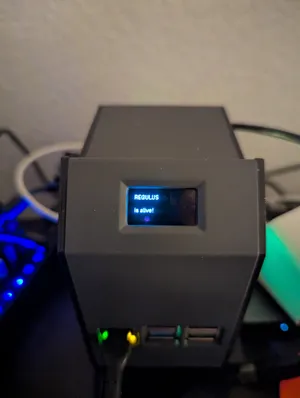
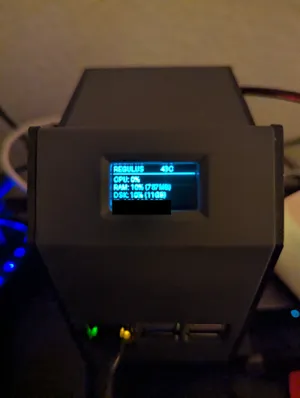
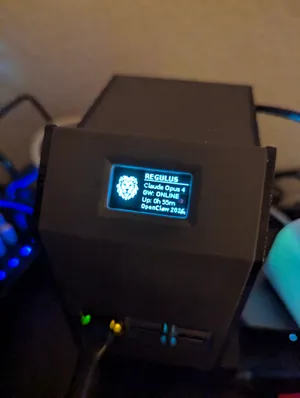
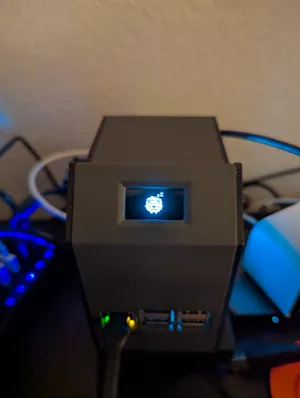
I also have a Pi 3 with a 7” DSI touchscreen running a pygame dashboard — weather, stock tickers, calendar, and a system monitor that shows both Pis side by side.
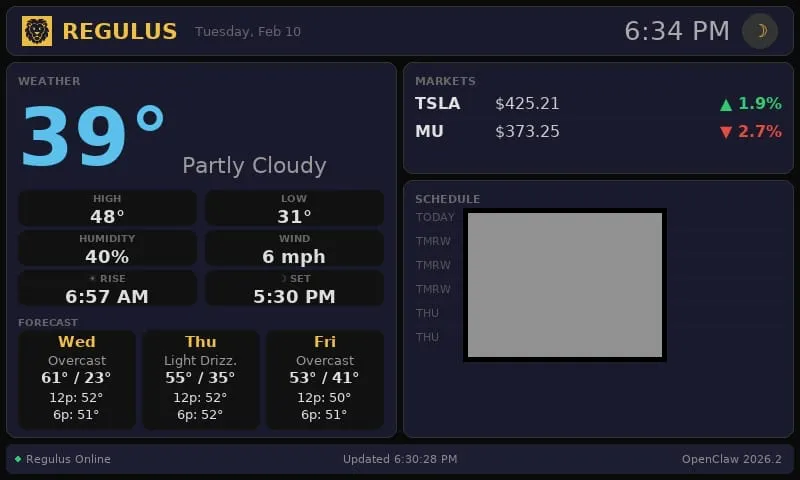
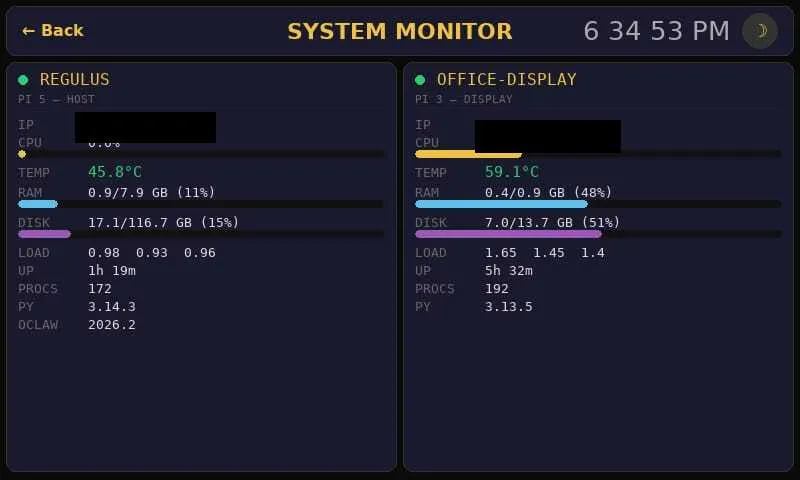
My Mac is set up as an OpenClaw node — a paired device that agents can reach into for tasks like remote builds, browser automation, or running macOS-specific tools.
Everything talks to everything else through Tailscale. The Pi, my Pixel 6 Pro, the Mac, the Pi 3. Same private mesh, no port forwarding, no dynamic DNS nonsense.
The agents
Four agents, each running as a Discord bot through OpenClaw:
Regulus is the main one. General-purpose assistant. I talk to it the most. Conversations, research, file management, coordinating with the others.
Farsight is a coding and business helper. Research, technical writing, strategy work.
Forge is fitness. Workout tracking, programming, nutrition stuff.
Centinel does paper trading through Alpaca. It monitors positions, runs strategies based on rules I’ve configured, and sends Discord notifications for every trade. I get an evening summary with P&L. It’s still paper trading while I tune the strategies, but having it run autonomously on hardware that never turns off is useful for getting real data on how the rules perform.
They stay in their lanes. Each agent has its own workspace, files, memory, and tool access. They don’t step on each other.
Morning briefings
At 4:30 AM MST, before I’m awake, the briefing kicks off and compiles:
- Weather for Castle Rock, CO
- Today’s calendar
- Market futures and pre-market movers
- Overnight news
- System health
It delivers to Telegram and generates a PDF that gets sent to my Kindle. By the time I’m up, everything I need to know about the day is already on whatever device I grab first.
Flutter launcher
I built a Flutter app that runs on my Pixel 6 Pro as a launcher for the system. Quick access to agent status, common tasks, shortcuts. It’s not fancy but it means I don’t have to open Discord every time I want to check on something.
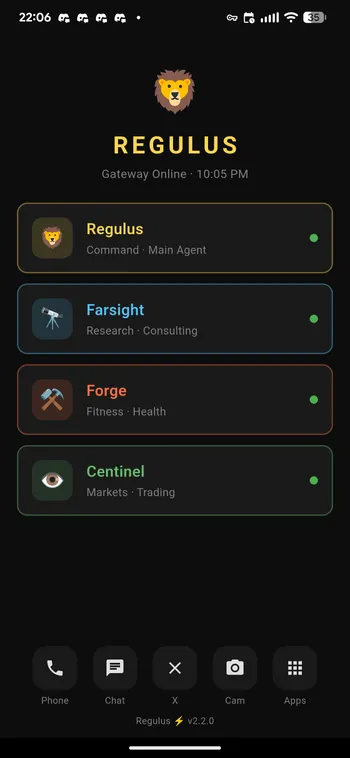
Over-the-air deploys
The Flutter launcher needs updates as I add features, and I didn’t want to deal with USB cables or the Play Store for a personal app. So I built a deploy pipeline: the Pi builds the APK, pushes it to my Mac over Tailscale, and the Mac runs ADB wirelessly to install it on my Pixel 6 Pro — also over Tailscale. Pi builds, Mac deploys, phone updates. The whole thing runs over the private mesh network.
It works because Tailscale makes every device addressable by a stable IP. The Pi can reach the Mac node, the Mac can reach the phone, and none of it requires port forwarding or being on the same WiFi network. I kick off a build from Discord, wait a few minutes, and the launcher updates itself on my phone. No cables, no app store, no manual steps.
Sounds complicated, isn’t. Tailscale handles the network layer. The rest is shell scripts and ADB.
What I’ve learned so far
The Pi 5 handles this fine. Multiple Node.js processes, Python scripts, network traffic. I expected to hit limits and I haven’t. USB-C power, quiet, always on.
Tailscale removed the networking pain. I used to think about port forwarding and VPN configs. Now I don’t.
Discord works better as an agent interface than I expected. Mobile and desktop access, file uploads, threads, reactions, formatting. I didn’t have to build any of that.
What’s next
Voice interaction, camera integration, more sophisticated trading strategies, maybe a web dashboard. I keep a list. It keeps growing.
More on the individual pieces later.